

Steps to create a group
1
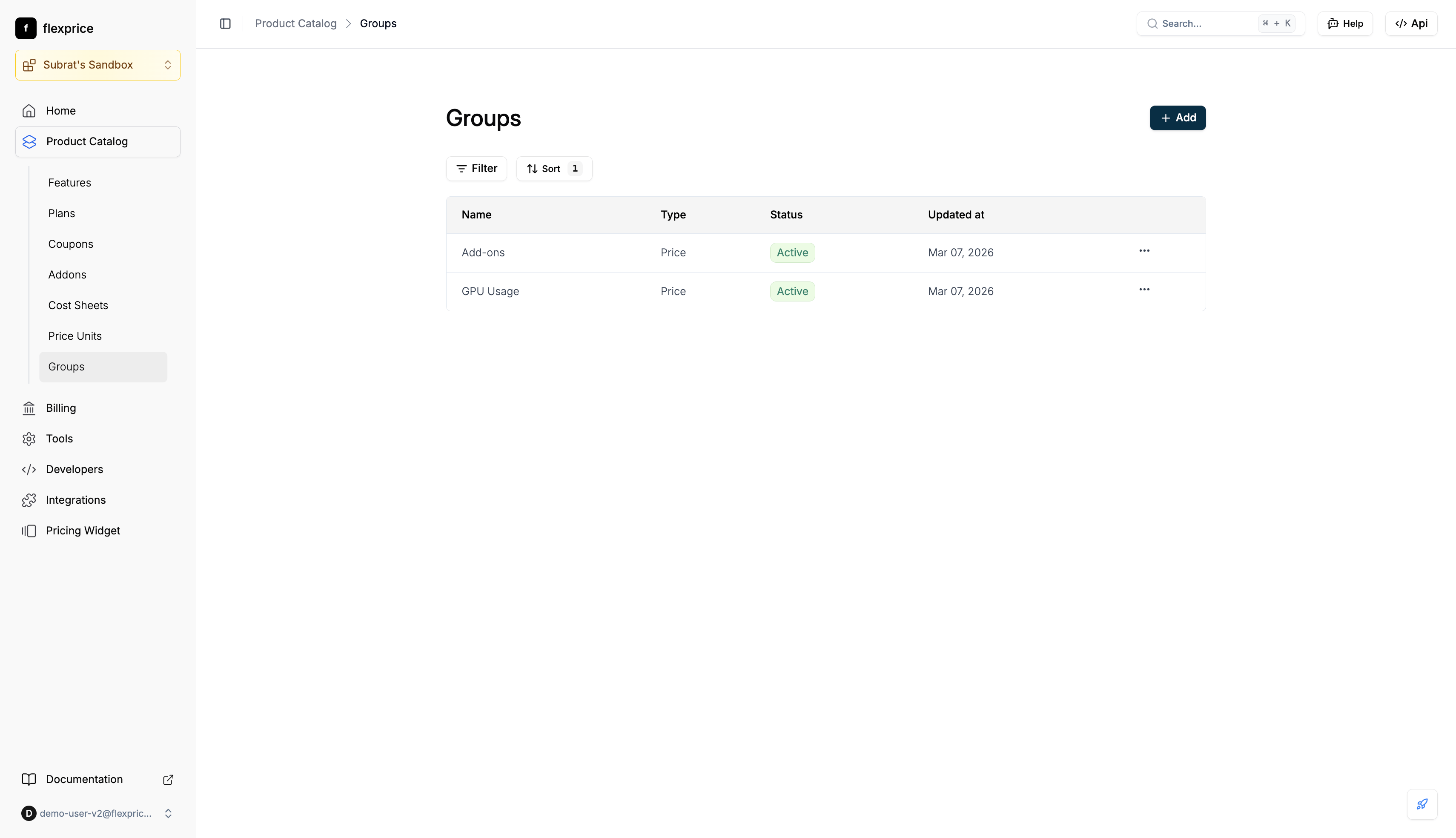
Navigate to Groups
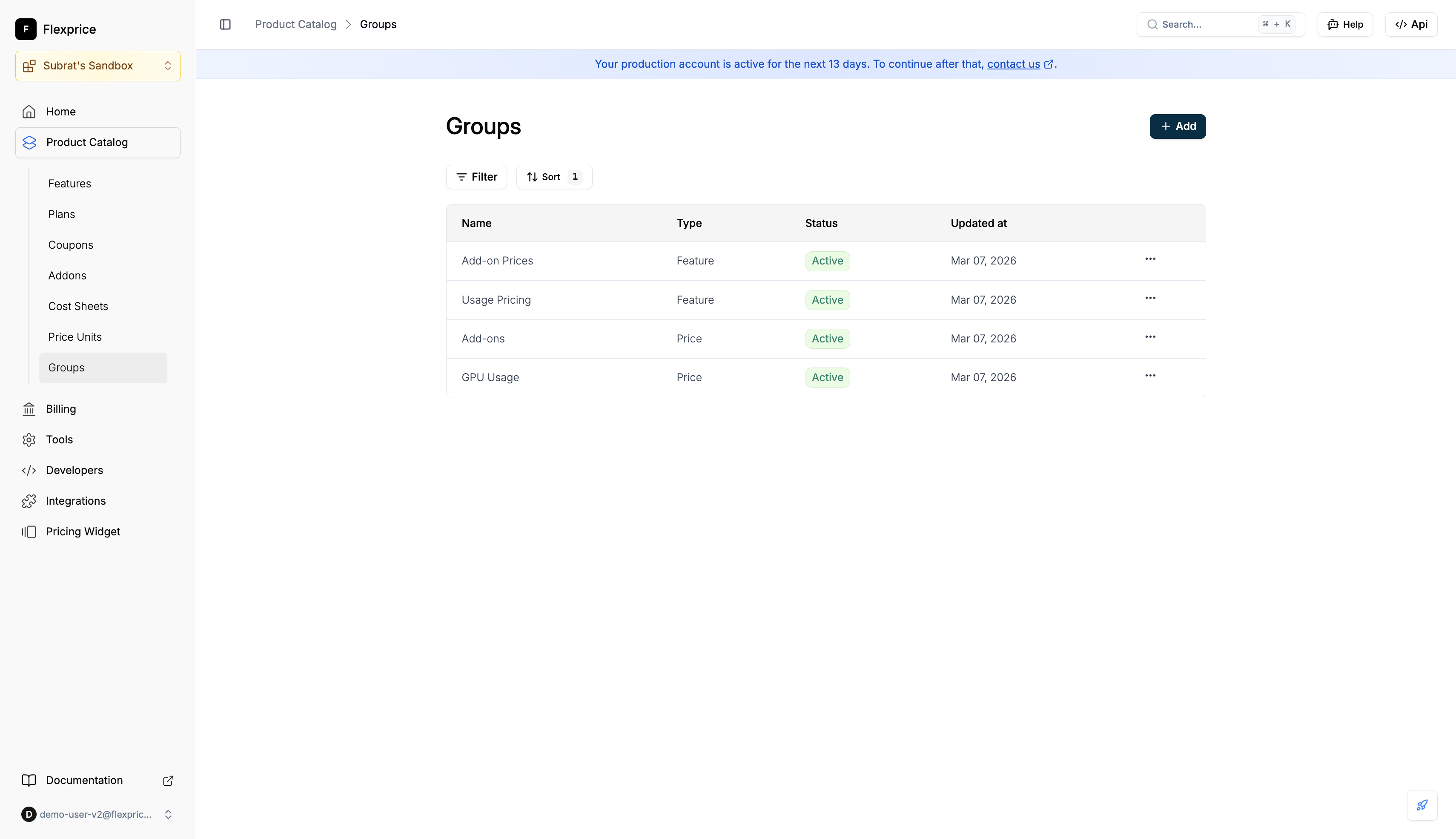
- Go to Product Catalog → Groups
- Use Filter and Sort as needed. + Add creates a new group
2
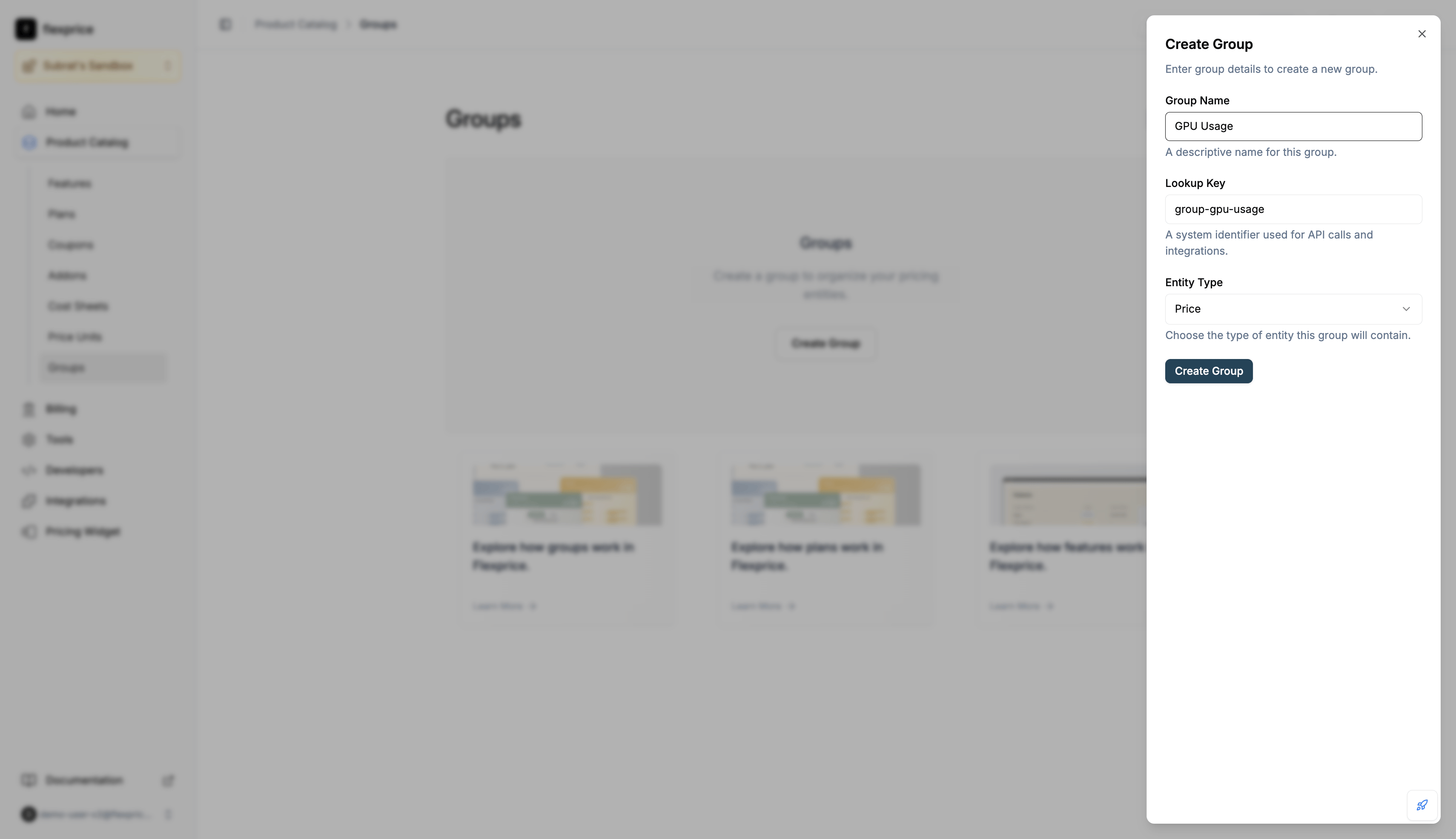
Create a group
- Click + Add
- In the Create Group dialog, enter Group Name, Lookup Key (unique per tenant and environment), and select Entity Type (Price or Feature)
- Click Create Group
API
Create: Body must include
name, entity_type ("price" or "feature"), lookup_key. Response returns id. Use it as group_id on prices or features.
List/search: Filter by entity_type, name, lookup_key, and other supported fields.
Get one: Returns the group with entity_ids (IDs of prices or features in that group).
Delete: Soft-delete. Every entity in that group has its group_id cleared.