

- Click on Customers to view the list of registered customers.
-
Click on the three-dot menu next to the customer you want to archive
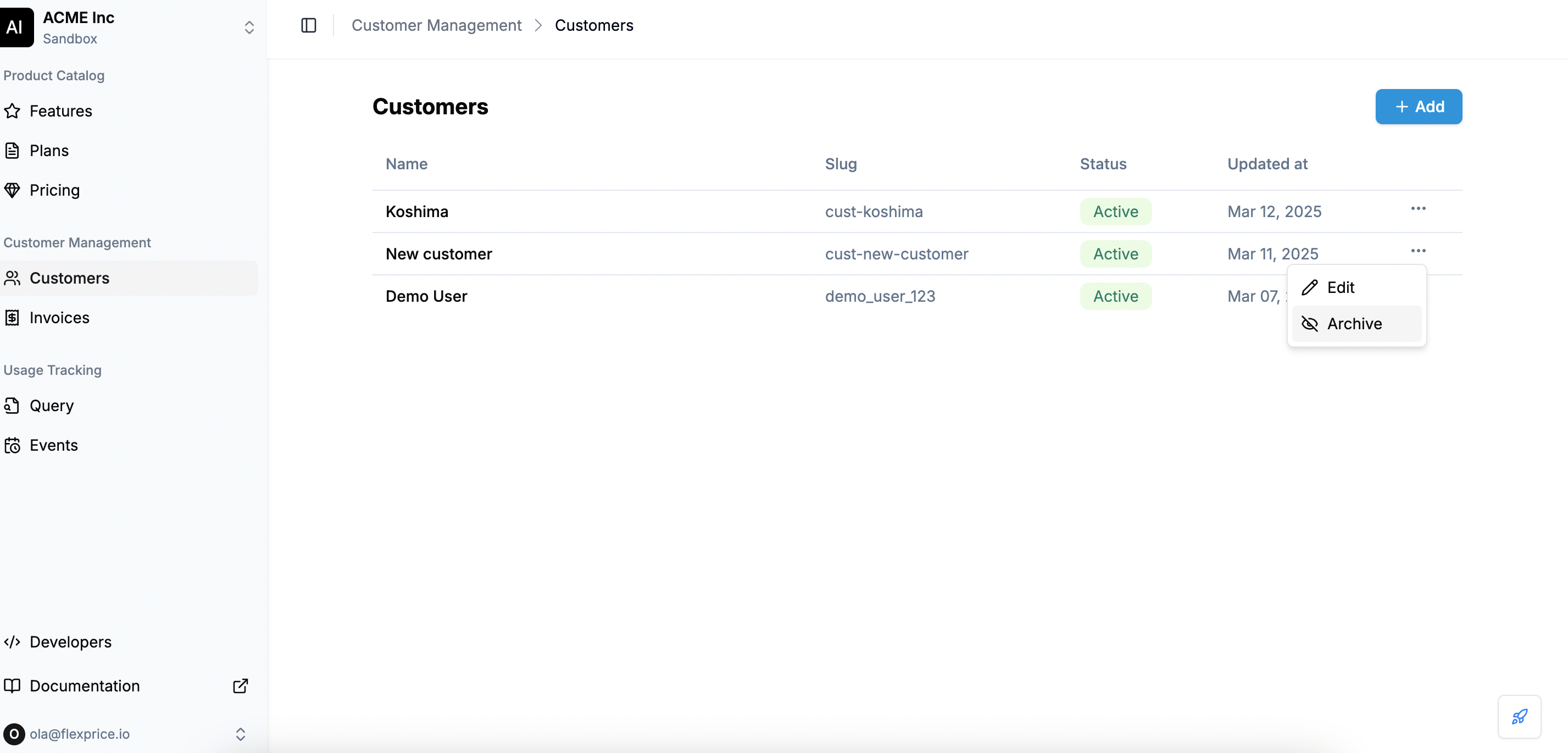
- Select Archive from the dropdown options
-
A confirmation dialog will appear asking if you want to archive the customer.
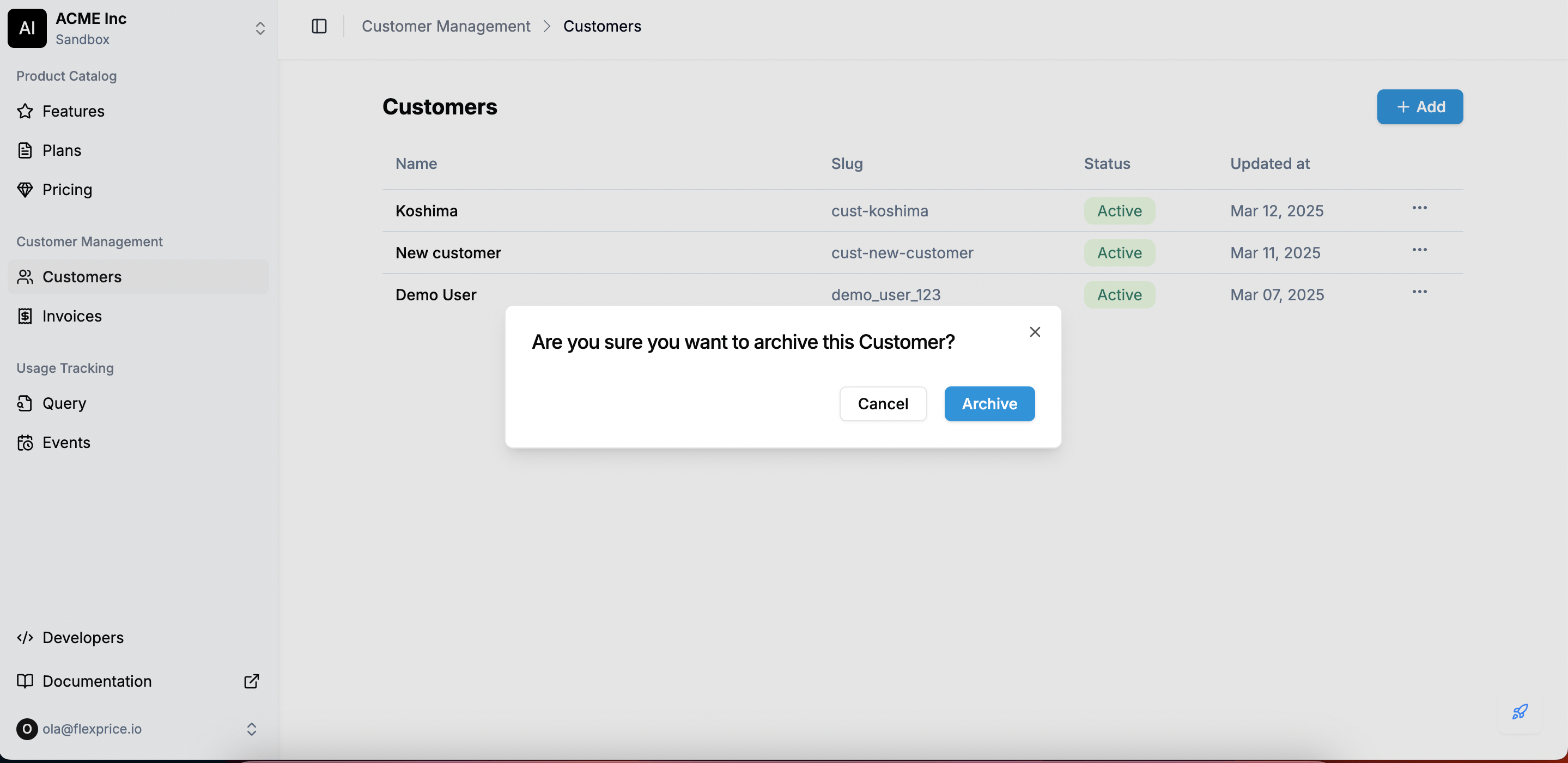
- Click Archive to proceed, or Cancel if you change your mind.
- No New Transactions: The customer can no longer be billed or invoiced.
- Existing Subscriptions End After the Current Cycle: Any ongoing subscriptions will continue until the end of the current billing period and will not renew.
- Data Retention: Customer details, invoices, and payment history remain accessible for reporting purposes.